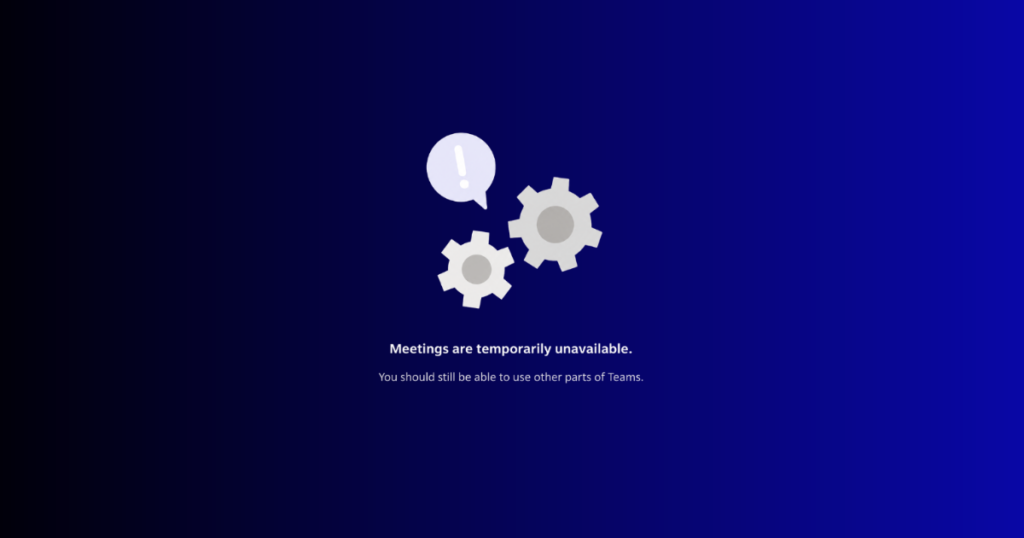
On Thursday, November 12, email stopped working for organizations around the world, and it stayed down for nearly a full day. Outlook inboxes went quiet. Teams messages failed. Then the obvious question landed in companies everywhere: how do we tell anyone what is going on?
Most organizations have a plan for when systems are attacked. Far fewer have one for when systems simply stop. Yet the second scenario happens far more often, and it hits the whole business. Sales still has customers waiting. Finance still has payments to approve. Support still has people asking for answers. When the tools they all depend on go dark, the business does not stop needing to talk. It just loses the means to do it.
So people improvise. Employees move to personal email, SMS and WhatsApp that are outside of the company’s control. Customers hear nothing, so they assume the worst, or they hear it from someone else first. Every hour costs money: according to ITIC’s 2024 Hourly Cost of Downtime Survey, 90% of firms say one hour of downtime costs over $300,000.
Few organizations are ready for it. In the CYGNVS 2026 Resilience Benchmark Report, based on more than 9,500 survey responses, 57% of organizations said that if email, communications or SSO went down, their fallback is printed or personal copies held by team members. Those copies go stale the day they are printed. None of them can reach a customer.
Outages Are Now Routine
The November 12 Microsoft outage was not a freak event. According to Microsoft’s preliminary report, a software bug deployed months earlier, extra traffic after a Teams failover and reduced server capacity combined to take down Outlook, Exchange Online, Teams and Copilot. Mailboxes stayed unreachable for nearly 24 hours, until 11:10 a.m. Eastern on November 13.
It was not the only one this fall. On October 22, Zoom reported degraded meeting service across the U.S. for nearly a full day. In the days after the Microsoft outage, Apple’s iCloud had problems and a nationwide ground stop halted U.S. flights while the FAA reviews the cause. Companies and officials say cyberattacks were not behind those failures.
Learn how the Outage Communications Hub works
Each one left organizations scrambling to reach their own people and their customers. During the Microsoft outage, CYGNVS usage rose 500%, as customers used CYGNVS to communicate internally, not only to run incident response.
Introducing the Outage Communications Hub
That is why we built the Outage Communications Hub. It keeps customers and employees connected when email and collaboration go down, in one secure platform: simple to cut over and easy to use. It has two products.
Customer Connect keeps customers informed. Your customer contacts stay current in CYGNVS, ready the minute email is not. You decide which customers to reach, plus how, so each one gets a channel matched to the relationship. Strategic customers get dedicated channels for email, conferencing or file exchange. All other customers get notifications you can track to see who viewed or confirmed them.
Employee Connect keeps every team working. It gives every team company-controlled messaging, voice calls, video meetings with screen sharing, file sharing plus eSignature, all set up before an outage begins. Employees join from a browser or the iOS or Android app, so nobody has to improvise.
The Outage Communications Hub runs separately from the CYGNVS Out-of-Band Command Center, where IT, security, legal, executives plus outside providers manage cyber and AI incidents. Keeping them apart means the incident record stays clean while the rest of the business keeps talking.
Your Backup Plan Can’t Depend on the Systems That Are Down
The next outage is not a question of if. The question is whether your customers hear from you or from someone else. Will your teams keep working, or scatter across personal apps? See the Outage Communications Hub in action before your next outage decides for you.